
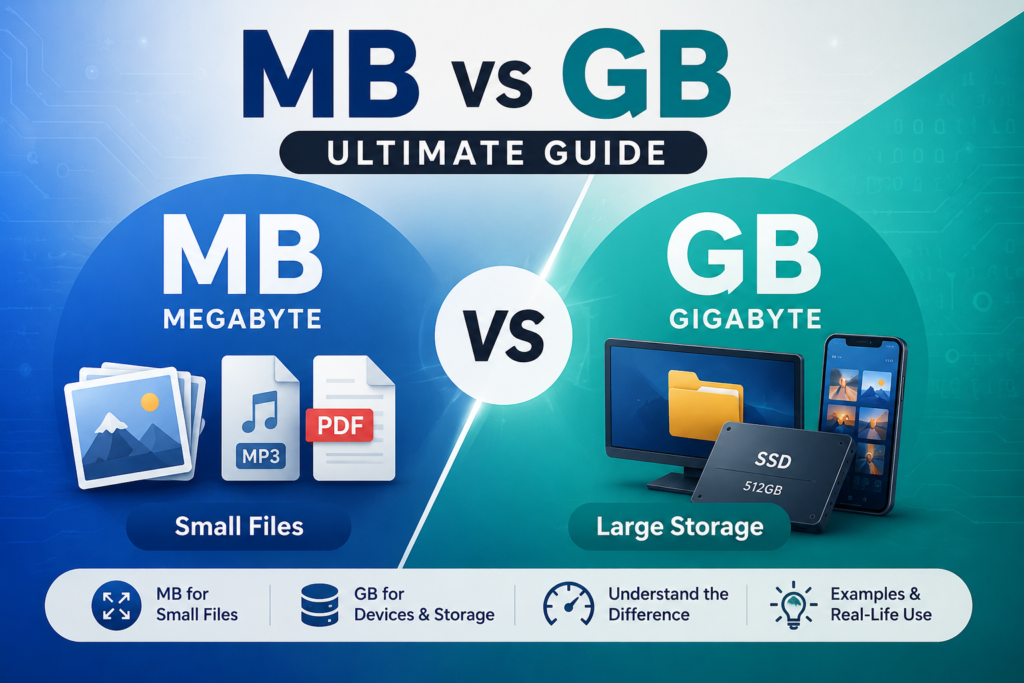
If you’ve ever stared at a phone storage screen or an internet plan and wondered why one number says “MB” and another says “GB,” you’re not alone. Whether you are looking at the storage available on your mobile phone, the storage on your computer, the size of your internet package, or a simple file size, the MB vs GB question comes up continually. They’re both units of digital storage, but not the same size, and mixing them up can result in the purchase of the wrong plan or device.
This is an explanation of what MB and GB are and how they compare to KB and TB, and when you will find each of them in real life.
Quick Answer — MB vs GB
- GB (Gigabyte) is greater than MB (Megabyte) — a great deal bigger.
- 1 GB = 1024 MB in the binary system that computers actually use.
- For marketing and storage labelling, many companies round this to 1 GB = 1000 MB.
- Whether you say how many MB are in a GB, “how many MB in 1 GB,” or “what’s bigger, MB or GB” — the answer stays the same. When it comes to megabytes or gigabytes, which is bigger, GB always wins.
What Is a Megabyte (MB)?
A Megabyte (MB) is a unit of digital storage that measures a small quantity of data, such as individual files, but not the whole drive. One megabyte (MB) equals 1024 kilobytes (KB), which may seem as if there is a lot but is actually quite little today.
MB will appear most frequently when you’re dealing with files such as a song, a PDF, or a photo. The average MP3 music track is 3-5 MB, PDF documents are 1-5 MB, and photos taken by your camera phone can be 2-8 MB depending on the resolution. The size of the mobile applications is also measured and checked in MB before the installation — a simple application can range from 20 to 50 MB, and a complex application can exceed 100 MB.
To put it simply, MB is the unit you will always use when working with individual files, but is too small to describe the total amount of storage available on a device.
What Is a Gigabyte (GB)?
A Gigabyte (GB) is the unit used to measure much larger amounts of data — the kind you’d use to describe a device’s total storage rather than a single file. One GB equals 1024 MB, which means it takes over a thousand typical photos or songs to fill up just one gigabyte.
GB shows up everywhere in tech specs. SSDs and hard drives are sold in GB (or TB for bigger ones), phone and tablet mobile storage is listed in GB (64GB, 128GB, 256GB, and so on), and RAM — your device’s short-term memory — is also measured in GB, typically 4GB to 32GB on most consumer devices.
The reason GB is the standard here is simple: describing a 256GB SSD in megabytes would mean writing out a number with six digits every time, which isn’t practical. GB gives manufacturers and users a cleaner way to talk about real-world storage capacity.
If you’re also upgrading your computer’s memory, it’s important to understand the difference between SODIMM vs DIMM RAM before buying a memory module for your laptop or desktop.
MB vs GB — What’s the Difference?
The core difference in the gigabyte vs megabyte comparison comes down to scale — GB is roughly a thousand times bigger than MB, and each one is used for a different purpose.
| Feature | MB (Megabyte) | GB (Gigabyte) |
|---|---|---|
| Size | Smaller unit | Larger unit |
| Approx. Bytes | 1,048,576 bytes (2²⁰) | 1,073,741,824 bytes (2³⁰) |
| Equivalent | 1 MB = 1,024 KB | 1 GB = 1,024 MB |
| Common Uses | Individual files | Device storage capacity |
| Typical Examples | Photos, PDFs, MP3 songs | SSDs, HDDs, smartphones |
| Internet Usage | Single downloads, web pages | Monthly data plans, large backups |
| Best For | Measuring file size | Measuring storage capacity |
In simple terms: MB is the size of what you create or download, while GB is the size of where you store all that small stuff. Your phone stores hundreds of thousands of MB size files at a time; even a video call can use up 200 MB, which is why you measure the total storage of your phone in GB.
Therefore, there is a “small” difference on paper, but a “big” difference in practice. The 5MB file is small, but the 5GB drive can hold approximately a thousand of them – so the manufacturers change to the GB term when discussing overall capacity instead of the single file.
The Impact of MB and GB on Data Storage Management
Understanding the distinction between MB and GB is more than just a trivia matter; it influences hardware selection, plans, and storage solutions.
Device Capacity
Smartphones, laptops, SSDs, hard drives, USB drives, and memory cards are sold by the GB or TB, and the individual files are listed by the MB. A 128 GB smartphone or a 512 GB SSD sounds huge — until you realize a 4 MB image or a 700 MB video clip barely makes a dent. It’s the accumulation of thousands of MB-sized files that fills up your GB.
Mobile Data Plans
Service providers promote mobile broadband in gigabytes, but usage is measured in megabytes. Using 150-300 MB of data per hour while scrolling through social media, and HD streaming on YouTube uses 500 MB to 1 GB of data per hour. So, if you have ever thought about the number of MB in 1 GB in real-life usage, it means about an hour of good HD streaming. Those little MB bites are where you are going to lose your GBs each month.
Cloud Storage
Google Drive, OneDrive, Dropbox and iCloud offer plans in GB or TB, but the files you upload are typically only a few MB in size. Knowing this helps you plan your cloud storage more realistically — 1,000 photos at roughly 4 MB each add up to close to 4 GB.
MB vs GB vs KB
Digital storage follows a simple hierarchy: KB → MB → GB → TB, with each unit roughly 1,024 times bigger than the one before it. This is the full picture behind the GB vs mb vs KB question people often search for.
| Unit | Approx. Size | Made Up Of |
|---|---|---|
| Kilobyte (KB) | ~1,024 bytes | 1,024 bytes |
| Megabyte (MB) | ~1,024 KB | 1,024 kilobytes |
| Gigabyte (GB) | ~1,024 MB | 1,024 megabytes |
| Terabyte (TB) | ~1,024 GB | 1,024 gigabytes |
A short text file might be a few KB, a photo can run into MB, your whole phone storage is measured in GB, and a large external drive or server usually jumps to TB.
Understanding MB vs GB helps you choose the right storage capacity, but if you’re planning to buy an SSD or HDD, be sure to read our SAS vs SATA comparison to understand which storage interface best fits your needs.
Difference Between Gigabytes and Gigabits
This is where many people get confused, as Gigabyte (GB) and Gigabit (Gb) are virtually indistinguishable but mean two completely different things. A Gigabyte is a measurement of digital storage; it indicates the amount of data a device or file can store. A Gigabit is a measure of data transmission – the speed at which data flows through a network connection.
The distinction lies in the capitalization of the letter B: Capital B = Byte, lowercase b = bit. As 1 Byte is equivalent to 8 Bits, 1 GB is approximately equal to 8 Gb, so your internet speed of 100 MBPs doesn’t seem that fast compared to 100 MBs of storage.
| Feature | Gigabyte (GB) | Gigabit (Gb) |
|---|---|---|
| Measures | Storage | Internet Speed |
| Used For | Files and Devices | Network Bandwidth |
| Unit Type | Byte (B) | Bit (b) |
| Equivalent | 1 GB = 1,024 MB | 1 Gb = 1,024 Mb |
| Common Examples | SSDs, HDDs, Smartphones | Broadband, Fiber, Ethernet |
Speed is a 100 MBPs internet connection or a 1 GBPs Fiber Connection, and storage is a 256 GB SSD or 512 GB Smartphone. Internet speed is almost always measured in Mbps or Gbps, but storage is measured in MB, GB, or TB, which is where most of the confusion lies.
Real-Life Examples
Seeing MB and GB side by side in everyday items makes the difference far easier to remember than just reading definitions.
| Item | Typical Size |
|---|---|
| Photo | 3–6 MB |
| Word Document | 1–5 MB |
| 5–20 MB | |
| HD Movie | 2–5 GB |
| 4K Movie | 20–80 GB |
| Video Game | 50–150 GB |
You’ll find MB in your everyday life — whether it’s sending a document, snapping a photo, downloading an app, or adding a file to an email. When you’re checking how much room a movie or game download will take up, choosing a mobile data plan, or backing up your phone, you’ll really start to think in GB.
The numbers fly up fast — a thousand photos add up to roughly 4–6 GB, while a single 4K movie alone can take up 20–80 GB.
Common Questions
Is MB Bigger Than GB?
No, MB is not greater than GB. A Gigabyte is about 1024 times larger than a Megabyte, thus the larger of the two storage units.
How Many MB Are in 1 GB?
The binary system used by computers indicates that there are 1024 MB in 1 GB. For marketing and storage labeling purposes, many companies break this down to 1,000 MB per GB.
Does 1000 MB Equal 1 GB?
Not quite, but in practice it’s good enough. 1 GB is actually 1,024 MB, but some manufacturers round it down to 1,000 MB so it is easier to work with.
How Many Megabytes Are in a Gigabyte?
A Gigabyte contains 1,024 Megabytes in the true binary calculation used by operating systems. This is the same number people are usually looking for when they ask how many MB are in 1 GB
Which Is Bigger, MB or GB?
GB is bigger than MB by a wide margin — about a thousand times larger. If you’re wondering what’s bigger, MB or GB, just remember GB is the one used to describe your whole device’s storage.
How Many Kilobytes Are in a Megabyte?
There are 1,024 Kilobytes in 1 Megabyte, following the same binary pattern used throughout digital storage. That means it takes over a million kilobytes to add up to just one Gigabyte.
Conclusion
At the end of the day, the MB vs GB comparison comes down to scale: GB is the much larger unit, while MB is better suited for measuring individual files like photos, songs, and documents. GB is the only thing you’ll depend on when purchasing a phone, laptop, SSD or internet plan because it is designed to define real-world storage requirements. After understanding the relationship between the two, it is much easier to make the decision on which device or data service to choose.