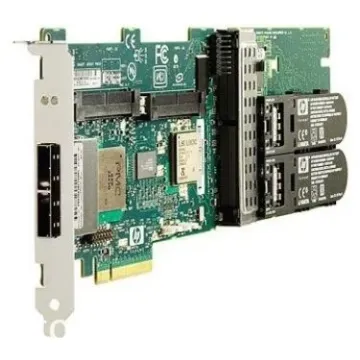
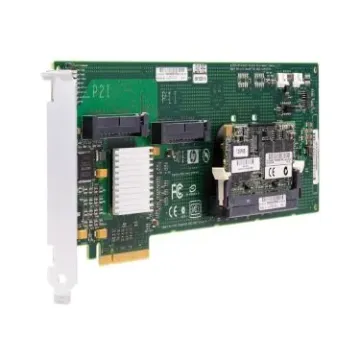
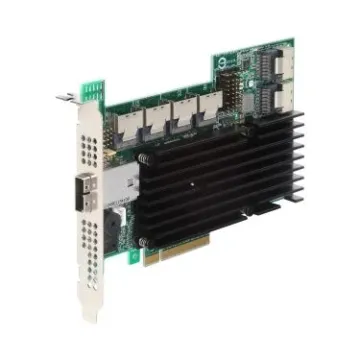
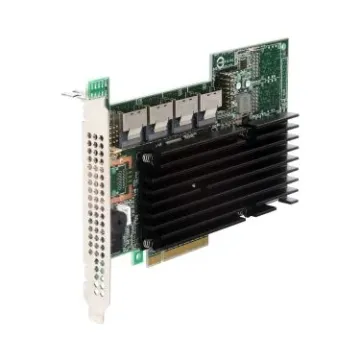
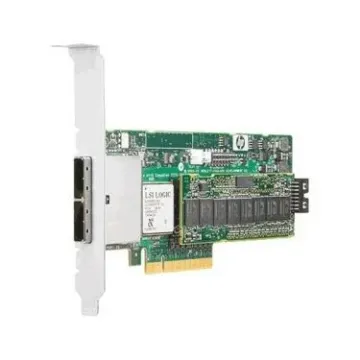
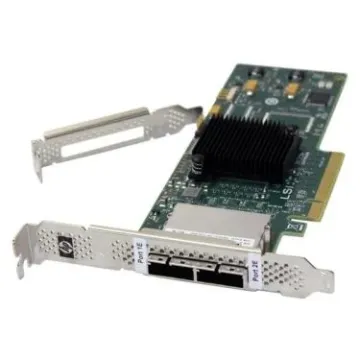
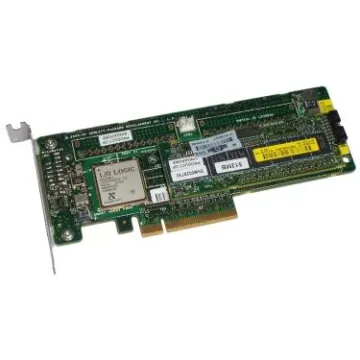
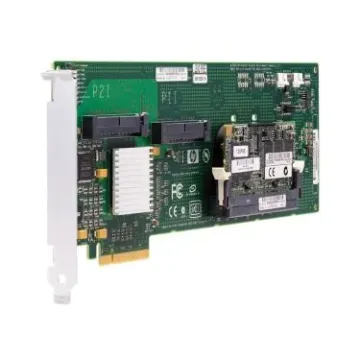
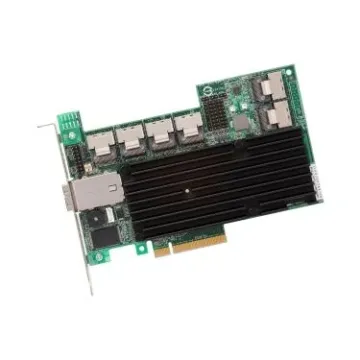
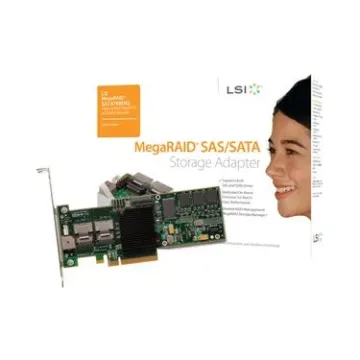
Buy storage peripherals to unlock the full potential of your server infrastructure. While hard drives store data, they remain inaccessible without the correct interface to control them. To build a robust array or connect to a Storage Area Network (SAN), infrastructure managers need hardware that dictates exactly how data flows. At
BulkDevices, we stock the critical components required for enterprise upgrades. When you are ready to scale your data center, you need RAID cards and Host Bus Adapters (HBAs) to manage every transaction. We maintain a wide selection of storage peripherals for sale, ensuring you find the exact bridge between your motherboard and memory for seamless integration.
Essential Storage Interface Devices and Controllers
These components serve as the "Brain" and the "Bridge" within your data storage architecture. Unlike passive cables, storage interface devices actively translate the computer's PCIe signals into a language that hard drives and solid-state drives can process. This translation layer is non-negotiable for establishing hardware-level redundancy through RAID 5 or RAID 6 configurations. It also ensures data integrity during high-transaction database loads or continuous read/write operations. Without the correct interface device, even the fastest enterprise SSDs become bottlenecked by protocol mismatches. Match these controllers with our high-capacity
Storage Devices to build a cohesive, scalable storage pool. Whether you are deploying a standalone server or expanding a virtualized cluster, the right interface device determines your maximum throughput and fault tolerance.
Selecting the Right Storage Controller Hardware
To ensure that your card fits in with your infrastructure, SAN, DAS, and Legacy, you need to be familiar with the protocols of a particular storage controller hardware that controls your data center. The main types of storage expansion devices that we have in inventory are listed below:
-
High-Speed SAN: Implement a fiber channel controller in enterprise settings where fast data transfer is needed between servers and external storage arrays via optical fiber cables.
-
Internal Arrays: Install a SAS SATA controller (RAID Card) to control internal server drives, which provides hardware-level redundancy and a cache memory to speed up write operations.
-
Legacy Support: Add a SCSI controller to add older industrial devices or tape backup drives that still use the robust parallel SCSI standard.
Choosing the appropriate protocol hardware also makes sure your operating system will not have any driver conflicts, and therefore, as much uptime as possible, the first time you boot.
Top Brands: Dell, HP, IBM, Cisco, and Lenovo Storage Peripherals
Enterprise hardware is defined by ecosystem fidelity. In PowerEdge and ProLiant servers, Dell storage peripherals (PERC cards) and HP storage peripherals (Smart Array) are the integrated standards, which will guarantee a smooth update of the firmware and native iDRAC or iLO integration to manage remotely. In high-transaction database environments, IBM storage peripherals and Lenovo storage peripherals provide enormous cache memory architectures, specifically designed to rapidly support OLTP operations and real-time analytics workloads.
These cards can have sophisticated error correction, where consumer grade options do not have. Cisco storage peripherals (MDS series), when it comes to handling the convoluted structure of Storage Area Networks, deliver the backbone of the enterprise, including advanced
Fiber Channel zoning and fabric security, and multipath failover. Picking a brand-compatible peripheral maintains warranty integrity, reduces inter-driver crashes, and will have your monitoring tools reporting the correct telemetry information throughout the stack.
Why You Need Enterprise Storage Peripherals
Consumer cards lack the resilience required for 24/7 operations. True enterprise storage peripherals are distinguished by features like Battery Backup Units (BBU). If power fails, the BBU provides just enough juice to keep the data in the card’s volatile cache alive until power is restored or the data is written to non-volatile storage. This feature prevents database corruption and file system errors during unexpected outages, a critical safeguard for financial and transactional servers.
Frequently Asked Questions (FAQs)
What is the difference between a RAID controller and an HBA?
A RAID controller manages the drives and presents them to the system as a single logical volume (handling redundancy via hardware). An HBA simply passes the physical drives through to the OS, which is preferred for software-defined storage solutions like ZFS or vSAN.
Can I use a Dell PERC card in an HP server?
Physically, yes (as long as the PCIe slot matches). However, you will lose proprietary management features (like iDRAC integration) and may face firmware warnings or thermal threshold errors. For mission-critical stability, matching the brand to the server chassis is always best.
What is Cache Memory on a storage controller?
It is high-speed RAM (often DRAM) located on the card itself. It acts as a temporary holding area for data before it is written to the physical disks. This significantly accelerates performance, especially during heavy database write operations or high-volume file transfers.
Why Buy From BulkDevices?
We bridge the gap between budget constraints and enterprise reliability. Every refurbished RAID card in our inventory undergoes rigorous testing, including battery health checks to ensure BBU functionality. We maintain a massive inventory of legacy SCSI adapters and offer fast shipping to get your server back online.