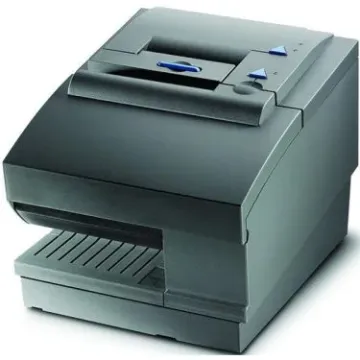
Receipt Printer

Buy Receipt Printer Machines for POS and Retail Systems

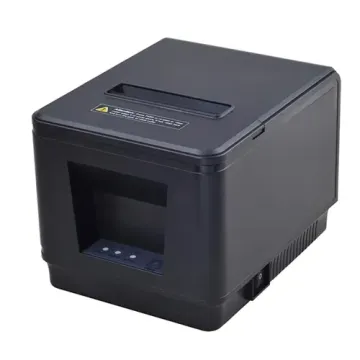
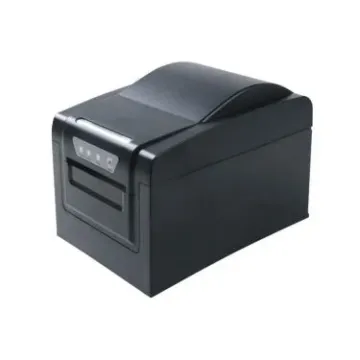
One of the elements that make up a modern POS system is a receipt printer machine that guarantees transactions are recorded fast and transparently to allow customers to proceed with their checkout. Speed is money in the high-traffic retail setting, and a dependable POS receipt printer increases the throughput, reduces wait time, and enhances the professional brand experience. When you are equipping your shop or service counter, collaborating with BulkDevices will allow you to have high-performance devices designed to be long-lasting, accurate, and in constant operation, enabling your staff to be busy serving customers and not repairing hardware.

Thermal Receipt Printer vs. Impact: Which Do You Need?

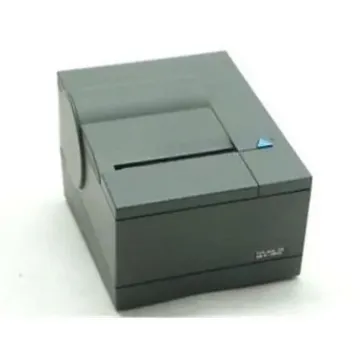
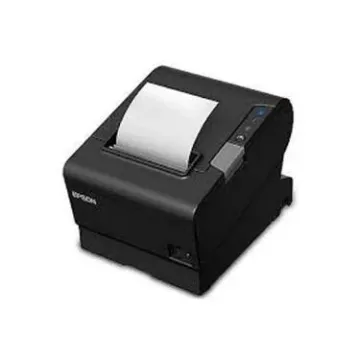
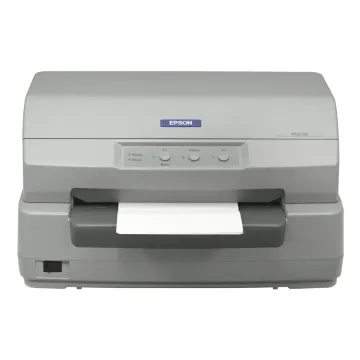
The decision on print technologies depends on your operational needs. A thermal receipt printer is a printer that heats the specially coated paper, then causes the chemicals to react to create sharp text and graphics almost silently and without ribbons or ink cartridges. This renders thermal units suitable for standard retail receipts, where it is critical for dot matrix printers, have quiet and fast printing. In contrast, Impact receipt printers are like and ink is deposited using a ribbon, where physically striking pins cause the ink to be deposited. Impact models are noisier and sluggish, though the printed text does not change color during high temperatures, so they can be used in kitchens, warehouses, or even in areas where thermal paper would turn black with heat lamps. Understanding the trade‑offs between speed, noise, maintenance, and environmental resistance helps you choose the right solution for your workflow.

Best Retail and Restaurant Receipt Printer Solutions

To ensure a stable operational performance, it is necessary to match the environment with the appropriate hardware:
  • Retail Stores: Select a solution that provides high-speed performance, of high speed and operates quietly, has a USB or Ethernet connection, and simple loading of paper to reduce downtime with a retail receipt printer that maintains customer satisfaction.
  • Restaurants (Front of House): Focus on small, aesthetically clean units that fit tight counters whilst generating sharp output, which is ideal when a restaurant receipt printer must fit into service spaces and align with tablet or touch screens.
  • Kitchens & Warehouses: Speed is less important than appearance and audible warnings in harsher conditions; in this case, the tougher units that have loud buzzers and heat-resistant media can make sure that orders and work tickets can be read in spite of ambient heat or heavy usage.
In all these environments, the appropriate form factor and connectivity opportunities ensure the effectiveness of the staff and reduce the number of disruptions in the workflow, ensuring that operations proceed efficiently day by day.

Top Brands: Epson, Star Micronics, Zebra, and More

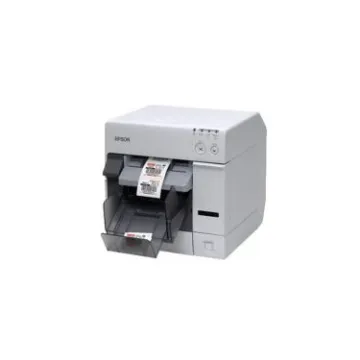
The Epson receipt printer and Star Micronics receipt printer models have been considered the gold standard in the countertop retail setting and hospitality setting because they are widely compatible with software, perform well, and are widely integrated with POS platforms. These brands serve a broad spectrum of applications in both a small boutique store and a large volume checkout line, with both heritage and modern interfaces. To support mobile and rugged printing, the Zebra receipt printer and Honeywell receipt printer units are designed to be durable and flexible; the logistics staff, delivery staff, and table-side services personnel enjoy belt-worn or handheld units that ensure good wireless connections. The Bixolon receipt printer is an option that businesses with a price-to-features sensitivity must take into account when they want to enjoy a flexible performance in a variety of POS configurations without damaging the quality and support. By selecting a vendor you can rely on, you will have long-term predictability and access to firmware updates, spares, and international support systems, minimizing the overall cost of ownership as well as empowering your workforce.

Connectivity and Accessories

Receipt printers today support multiple connection standards to accommodate different installation needs. USB and Ethernet remain common for countertop units, providing reliable plug‑and‑play with desktop terminals and networked POS systems. Wireless options like Bluetooth or Wi‑Fi offer flexibility for mobile checkout and tablet-based workflows. Before purchasing, confirm your POS software and hardware support your chosen connection and that drivers are accessible. Thermal printers don’t require ink, but they need specific thermal paper rolls matched to the cutter and sensor dimensions. To ensure smooth operation from day one, gather all necessary cables, power supplies, and media from our printer accessories section, so every component works seamlessly together.

Frequently Asked Questions (FAQs)

Do thermal receipt printers need ink?
No, thermal printers do not require ink cartridges. They use a heated print head to selectively activate the coating on thermal paper, making them low‑maintenance and cost‑effective for high‑volume printing scenarios.

How do I connect a mobile receipt printer?
Mobile receipt printers typically pair with handheld tablets or scanners using Bluetooth or Wi‑Fi. This allows staff to print receipts anywhere on the floor, enabling flexible checkout and order management without tethering to a fixed station.

Can I scan to email with these printers?
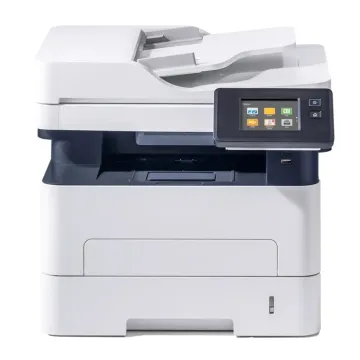
Most modern Office Multifunction Printers include scan-to-email functionality. This feature allows users to scan physical documents and send them directly to an email address or a shared network folder without needing a connected computer.

Why Buy From BulkDevices?

Choose BulkDevices for fast shipping on time‑critical business hardware, comprehensive support for bulk orders, and tailored assistance for franchise owners and multi‑site operators. With our expertise in POS solutions and commitment to B2B service, you get the right receipt printer systems backed by responsive service and competitive pricing.