
- Fast & Tracked US Shipping On All Full Systems
- Cheapest Worldwide Delivery Rates Anywhere
- Sign in
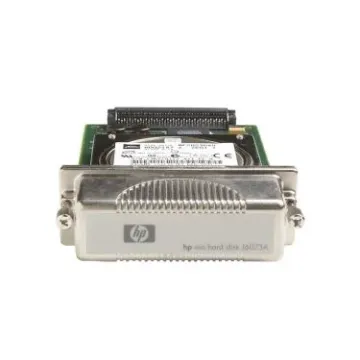
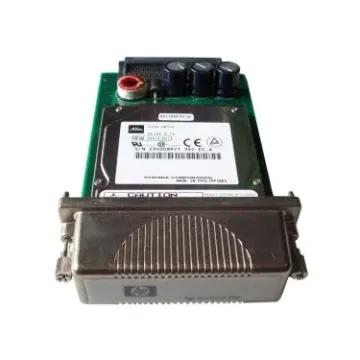
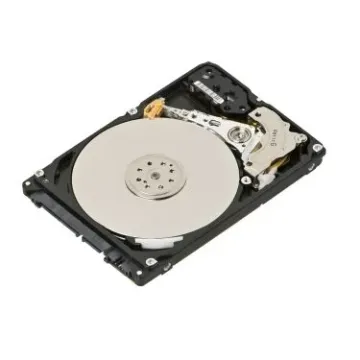
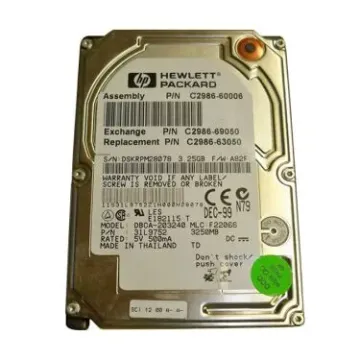
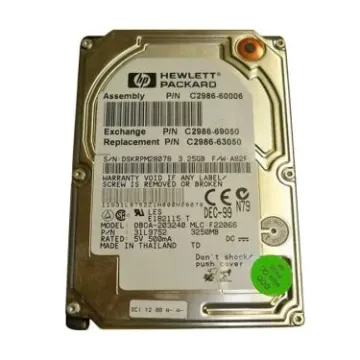
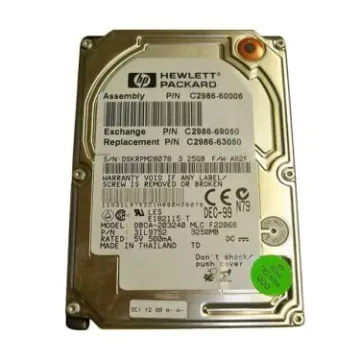
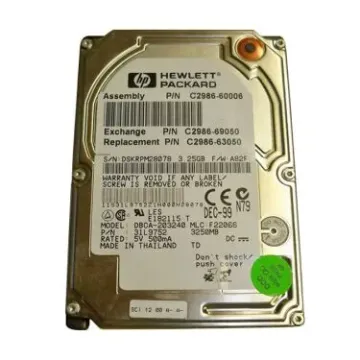
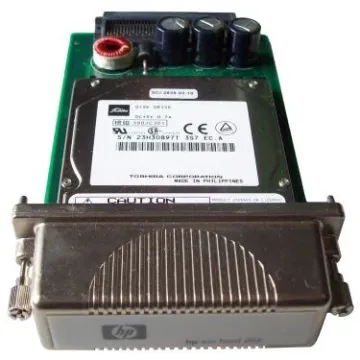

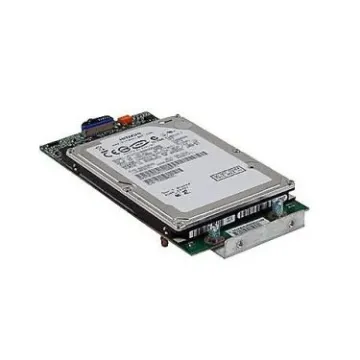
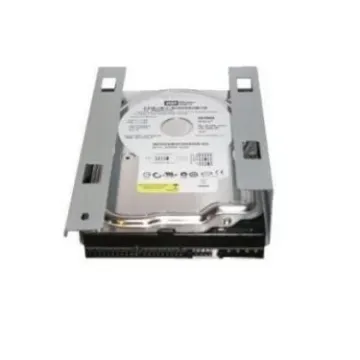
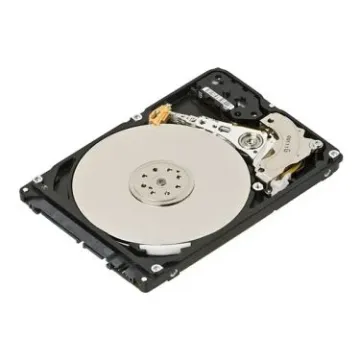
Buy Printer Hard Drive Replacements for MFPs and Copiers
Buy printer hard drive solutions from BulkDevices to restore your multifunction printers and copiers to full operational efficiency. The modern office printer hard drive stores more than data; it holds firmware, fonts, print jobs, and sensitive information. Hard drive errors can stop the presses, slowing production and productivity. A firmware-compatible replacement will offer quick storage, no delays, and efficiency. BulkDevices provides high-quality replacements for specific models and usage.
Understanding Multifunction Printer Storage
Modern office equipment can be a computer as well as a printer. Multifunction printer storage is needed for managing large volumes of work, such as job spooling, scan-to-email, and storing documents. If large jobs are to be printed, it will store files to manage and ensure correct output.
Lastly, printer storage is used for secure printing. It will store data until the user is authorised by a PIN or ID badge to ensure against theft. Printer storage is different from internal storage, but it still uses similar connections like Serial Advanced Technology Attachment (SATA) to quickly move data and allow for efficient operations.
Lack of storage can cause printers to hang, drop jobs, and even prevent them from starting up. Therefore, storage is not only important, but it's also essential for efficient office operations.
Selecting a Secure Printer Storage Device
When it comes to enterprise printers, a common PC drive may not work properly or pose a security risk.
- Printer storage drives for enterprise printers have hardware encryption under the FIPS 140-2 standard, so they can securely store sensitive information, even if the drive is removed.
- Compatibility is necessary because many printers have certain firmware configurations, sector sizes or even pre-installed ID information to ensure that they can detect the printer storage drive when the printer is powered on.
- Durability is also important, as the drives need to endure read, write and re-write operations to support constant printing, copying and networking in the office.
The right MFP internal storage device ensures the integrity, stability and reliability of data. A printer storage device minimises risk and increases productivity. And a copier hard drive safeguards the machine and sensitive data.
Top Brands: HP, Xerox, Canon, Lexmark, and Ricoh
The hard drives of different printer manufacturers are built with varying purposes, which affect their purchase behaviour when it comes to buying replacement drives. HP printer storage and Lexmark printer storage are the most secure. They focus on security, offering secure erase and self-repairing BIOS, and are ideal for government and corporate use in handling classified information.
The Xerox printer hard drive and Ricoh printer storage hard drives, on the other hand, are known for their performance and stability. They are typically installed in high-capacity departmental copiers that operate 24 hours a day to process large jobs and provide fast, reliable performance.
And Canon printer storage is known for its fine-tuning. Canon printers are capable of printing high-resolution graphics, making them suitable for industrial printing applications that call for colour matching and graphics. Different manufacturers offer solutions for different operational needs, allowing companies to match storage to suit their needs.
Compatibility: EIO, SATA, and Proprietary Interfaces
When installing storage for a printer, it's not quite plug and play. Older printers may have EIO (Enhanced Input/Output) bays or older IDE interfaces, while most modern printers support SATA. However, even if you have the right connection, capacity may be constrained by the printer's firmware.
For example, if a printer is only capable of supporting 160GB drives, it won't work with 500GB drives. Additionally, some manufacturers may have special configurations, which may require special firmware alignment or drive formats. So when purchasing a drive, it's important to check for both physical and firmware compatibility and size restrictions so that the drive will be compatible.
(FAQs)
Do printer hard drives come with firmware pre-installed?Depends on the FRU (Field Replaceable Unit). Some are shipped with a pre-installed printer operating system and are plug-and-play. Others are supplied blank and require firmware loading by a technician (using a special tool or USB download) at the time of installation.
What is the difference between a standard PC drive and a printer hard drive?
They may be installed via SATA, but printer drives may have different sector sizes (520 bytes) from the traditional 512 bytes. They also have custom firmware and encryption keys, enabling the drive to communicate with the printer operating system for both functionality and security.
How do I know if my printer's hard drive is failing?
Signs include the unit hangs during start-up, the printer does not successfully pass the initialization test, or the printer displays the message "Disk Initialization Failed". On occasion, the control panel may not function, indicating that the storage unit may need to be replaced.
Why Buy From BulkDevices?
BulkDevices has a large selection of certified FRU parts for specific models of printers. Products are shipped safely, ensuring data security, and as quickly as possible to reduce system downtime. BulkDevices offers support and timely shipping, ensuring your office systems are back up and running in a timely manner.