
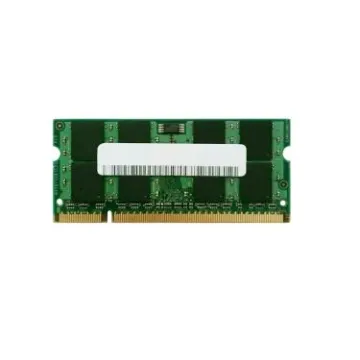
KTD-INSP6000/1G
KTD-INSP6000/1G - Kingston 1GB DDR2-400MHz PC2-3200 CL3 200-Pin SoDimm Memory
$107.08
Add to Cart
KTD-INSP6000/1G - Kingston 1GB DDR2-400MHz PC2-3200 CL3 200-Pin SoDimm Memory
$107.08
Add to Cart
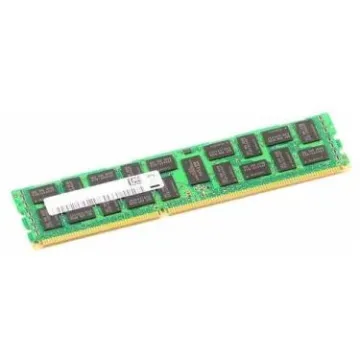
713985-256 - HP 256GB Kit (16 X 16GB) DDR3-1600MHz PC3-12800 CL11 240-Pin DIMM Memory
Request For Quotation
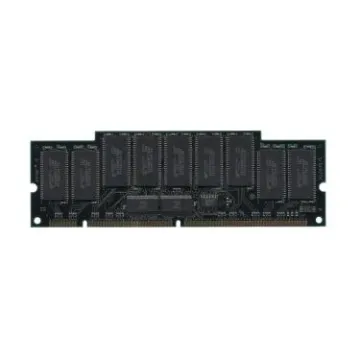
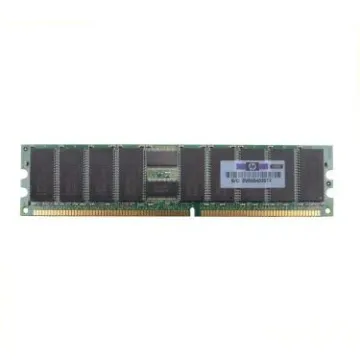
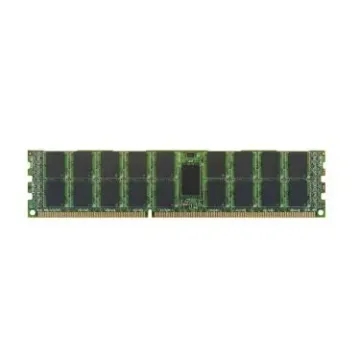
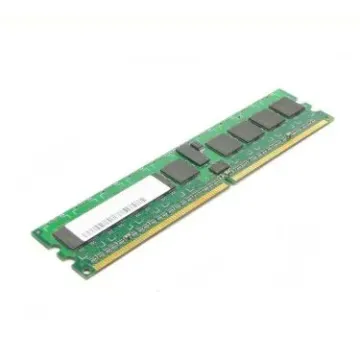
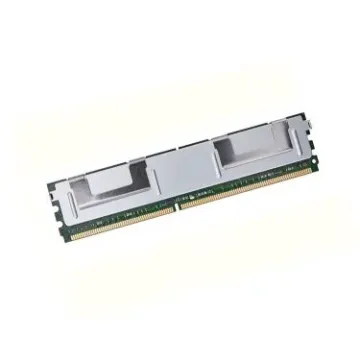
Selecting the right computer memory is more than simply installing additional RAM—it is about getting memory that is 100% compatible with your computer system. Each device will have different specifications, such as memory generation, memory size, memory speed, form, and supported specifications. The wrong memory can cause compatibility issues or prevent your system from running as efficiently as it should.
When upgrading a business desktop, increasing the capacity of the server, replacing laptop memory, acquiring modules for networking gear, or purchasing printers or RAID controllers, choosing compatible memory means better performance, stability, and reliability. Computer memory solutions are available at BulkDevices for businesses, IT professionals, and resellers to find the right upgrade to their computers, both new and old.
| Memory Category | Ideal Applications |
|---|---|
| Server Memory | Enterprise servers, virtualization, cloud infrastructure, and databases |
| Desktop Memory | Office PCs, engineering workstations, and business desktops |
| Laptop Memory | Business laptops, mobile workstations, and remote employees |
| Network Memory | Routers, switches, firewalls, and networking appliances |
| Printer Memory | Laser printers, multifunction devices, and high-volume printing |
| RAID Controller Memory | Storage arrays, backup systems, and enterprise data centers |
| Flash Memory | Embedded systems, industrial equipment, and storage devices |
| Cache Memory | Faster processor performance and high-speed data access |
Check System Compatibility
Before ordering, verify the specific manufacturer, model, memory generation and capacity, speed, and form factor of your device.
Choose the Right Capacity
Memory requirements will vary depending on the systems they are utilized for. While most engineering workstations, database servers, and virtualization computers need more memory to run, everyday office computers generally need less memory.
Select the Correct Memory Type
Some systems use ECC memory for enhanced reliability, while others require Non-ECC, RDIMM, UDIMM, LRDIMM, or SO-DIMM memory. Installing the correct memory type is essential for proper system functionality.
Consider Performance Requirements
Memory speed and supported specifications should match your hardware to ensure stability and reliability.
Prioritize Reliability
For business-critical systems, choosing dependable, high-quality memory helps reduce unexpected downtime and supports long-term system stability.